

EDIT: v0.9 released
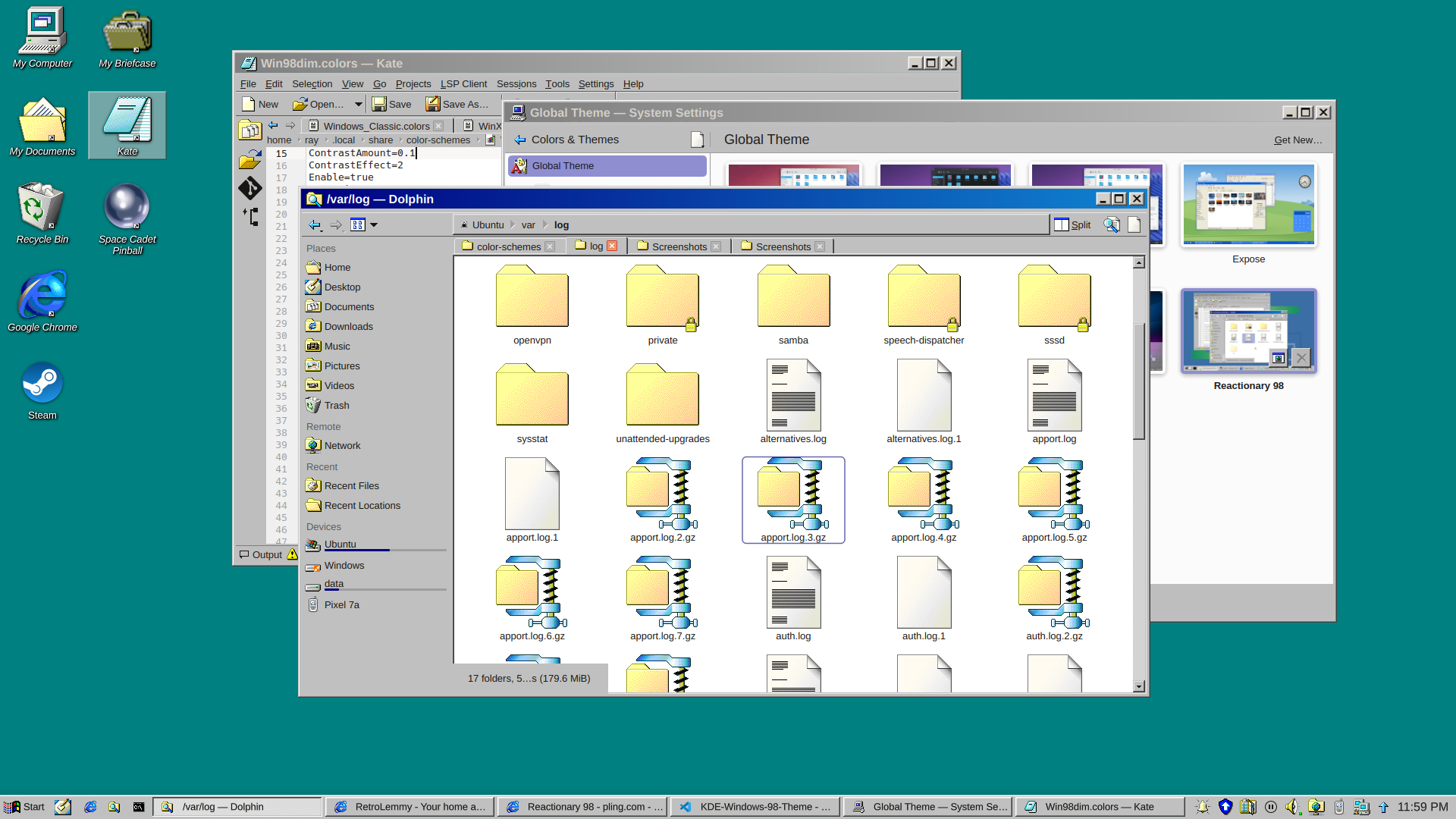
and a dark version
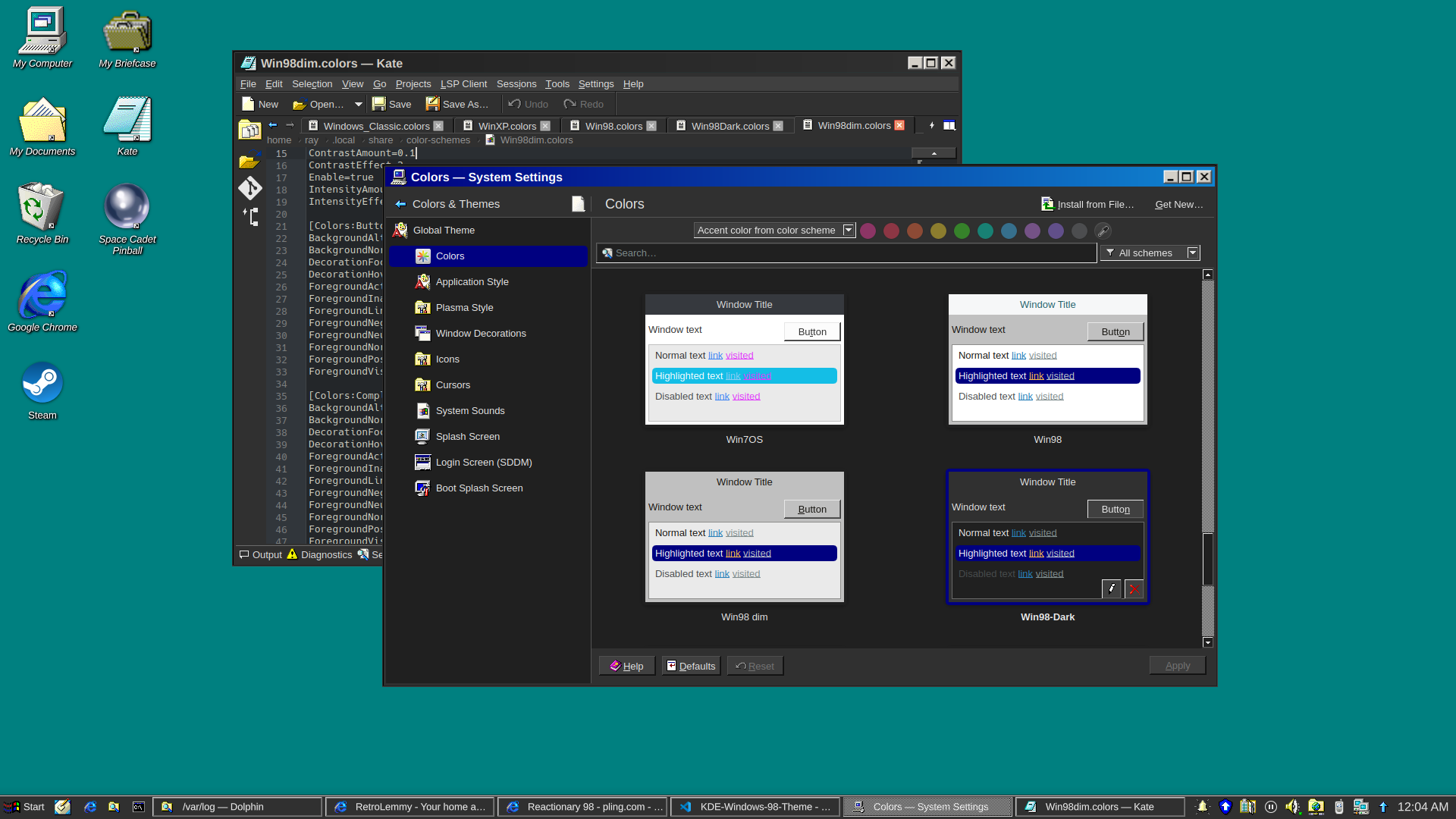
I really just put a bunch of pieces together. Forked from Reactionary Plus, but swapped out the icons, cursors, window decorations, color scheme, and made some slight tweaks to the layout.
More screenshots and changelogs here: https://store.kde.org/p/2330858
To install this, open System Settings, go to Colors & Themes -> Global Theme. In the top right there’s a button for “Get New…”, wait for it to load (it’s very slow) then search for reactionary, and wait again, then install Reactionary 98.
This is my first time messing with any of this stuff, it was a bit janky lol.
I just wanted to say thanks for this theme! I just started using it recently, and the only thing I wish was different is the Bluetooth icon on the taskbar! If it could use the existing Bluetooth icon (which I think I can see in the Bluetooth taskbar menu next to “Enable Bluetooth”) it would be easier at a glance to know what the icon is now!
Keep up the great work! I hope to see it further refined, and will continue to use it in the meantime! Thanks! :-)
The icons could definitely use some work. I haven’t really looked into how hard those types of issues would be to fix
You can disable the icon pack if you want