I am doing a revisit, and not sure what happened but after an update the save vanished on the Steamdeck. Uninstall and reinstall did not fix it. Then the game stopped working altogether. Then after a third software update everything is back and running.
Yeah, recent update completely borked game on both linux and windows. Devs released a patch soon after that added “comparability mode for linux peasants”, but I saw suggestion for windows users to also use it, cause it solves same issue.
I have never had an issue with cloud saves and I have been playing since the beta/kickstarter. Losing my saves would be devastating at this point with all of my characters.
Good for you - for me cloud saving introduced stutters, which were caused by the way they handled updating the cloud saves; always felt like it feels if your HDD i/o is too slow to cope with something and the whole thing starts grinding down, while being installed on a NVME drive. Disabling the cloud saves made those issues disappear.
Good to know. The screen on the deck is so dang small it gives me eye strain sometimes and I like switching to a large monitor, but not if causes issues.


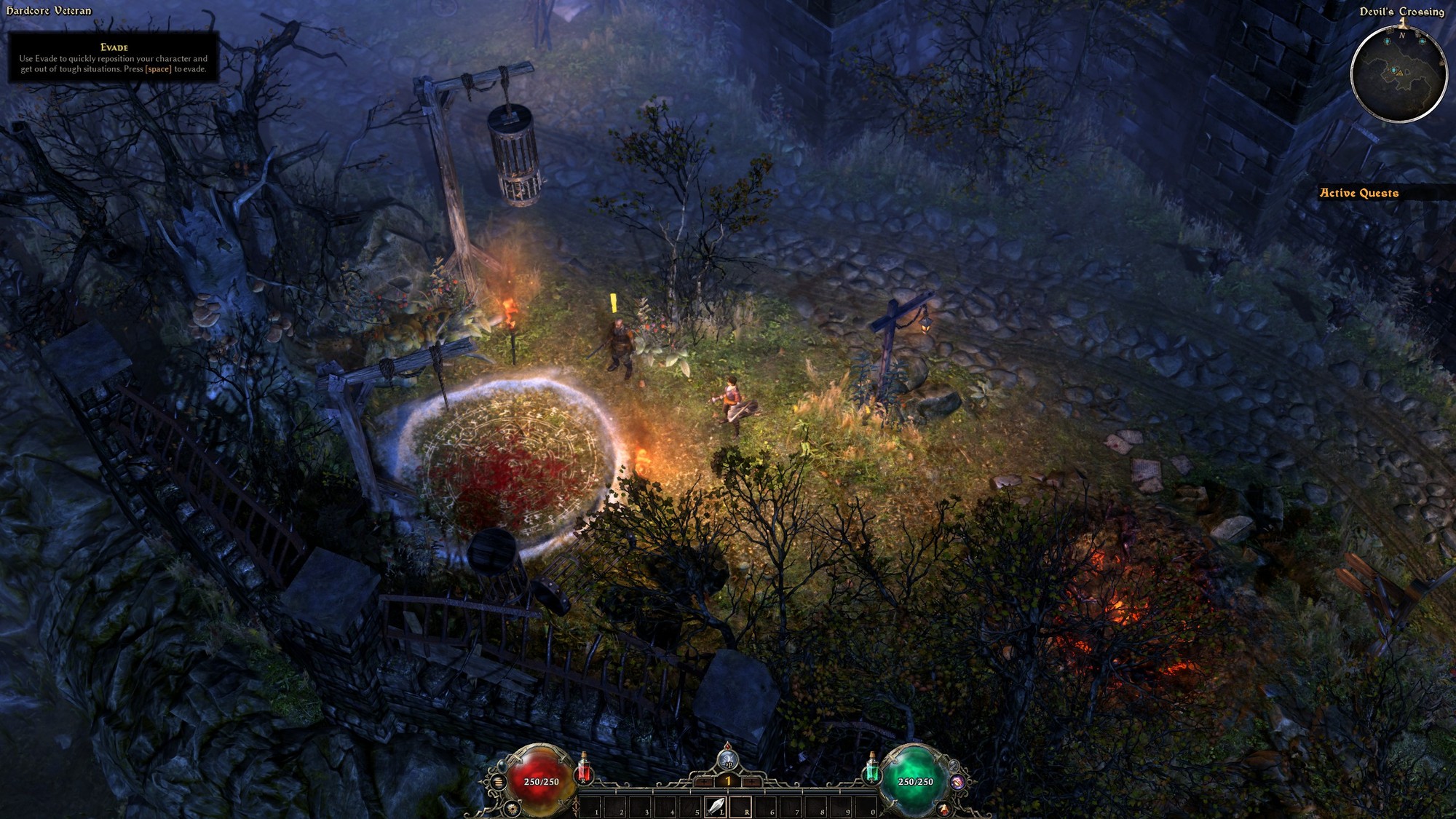
I am doing a revisit, and not sure what happened but after an update the save vanished on the Steamdeck. Uninstall and reinstall did not fix it. Then the game stopped working altogether. Then after a third software update everything is back and running.
Yeah, recent update completely borked game on both linux and windows. Devs released a patch soon after that added “comparability mode for linux peasants”, but I saw suggestion for windows users to also use it, cause it solves same issue.
Cloud saving was always wonky in Grim Dawn, including inducing performance problems; i would advice you to disable it if you don’t need it,
I have never had an issue with cloud saves and I have been playing since the beta/kickstarter. Losing my saves would be devastating at this point with all of my characters.
Good for you - for me cloud saving introduced stutters, which were caused by the way they handled updating the cloud saves; always felt like it feels if your HDD i/o is too slow to cope with something and the whole thing starts grinding down, while being installed on a NVME drive. Disabling the cloud saves made those issues disappear.
Good to know. The screen on the deck is so dang small it gives me eye strain sometimes and I like switching to a large monitor, but not if causes issues.
You might use something like Syncthing to synchronize the prefix data, making cloud saves unneccessary without much effort.