it literally took nothing. turned everything off on setup and that’s it. I don’t see one drive anywhere on the taskbar. there’s no pop ups, nothing. It is literally no where on my system. look for yourself:
I’m in Canada. I’m on the preview build for September. I don’t have one drive, don’t have ads, don’t have copilot. so shrug Don’t know what to tell you but my windows experience thus far as been great.


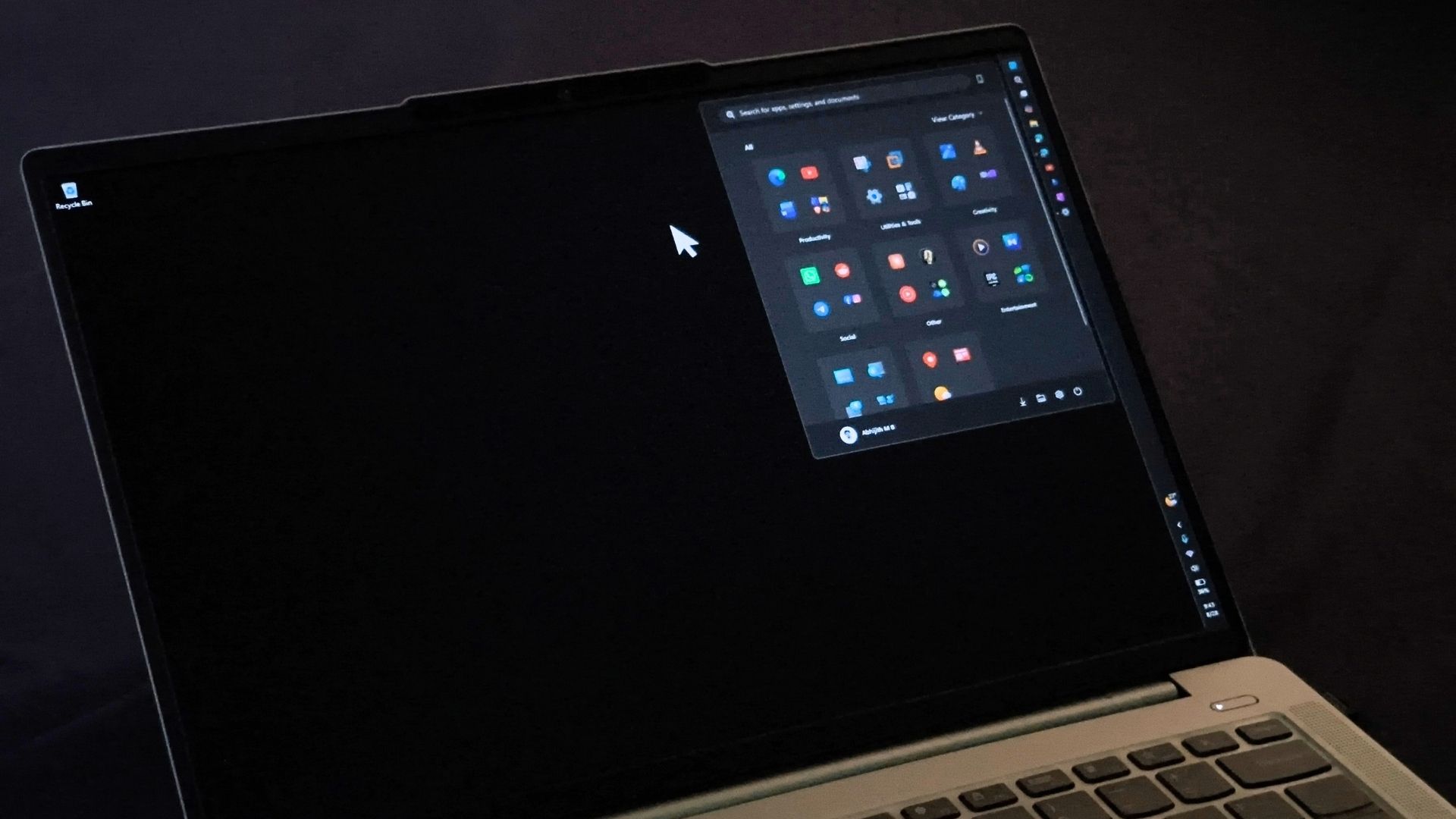
it literally took nothing. turned everything off on setup and that’s it. I don’t see one drive anywhere on the taskbar. there’s no pop ups, nothing. It is literally no where on my system. look for yourself:
Are you in the US? Because there was no way to disable Onedrive during install when I last installed Win11 about a year ago. This is Win11 Pro.
I’m in Canada. I’m on the preview build for September. I don’t have one drive, don’t have ads, don’t have copilot. so shrug Don’t know what to tell you but my windows experience thus far as been great.
Powershell : Get-package *One*