

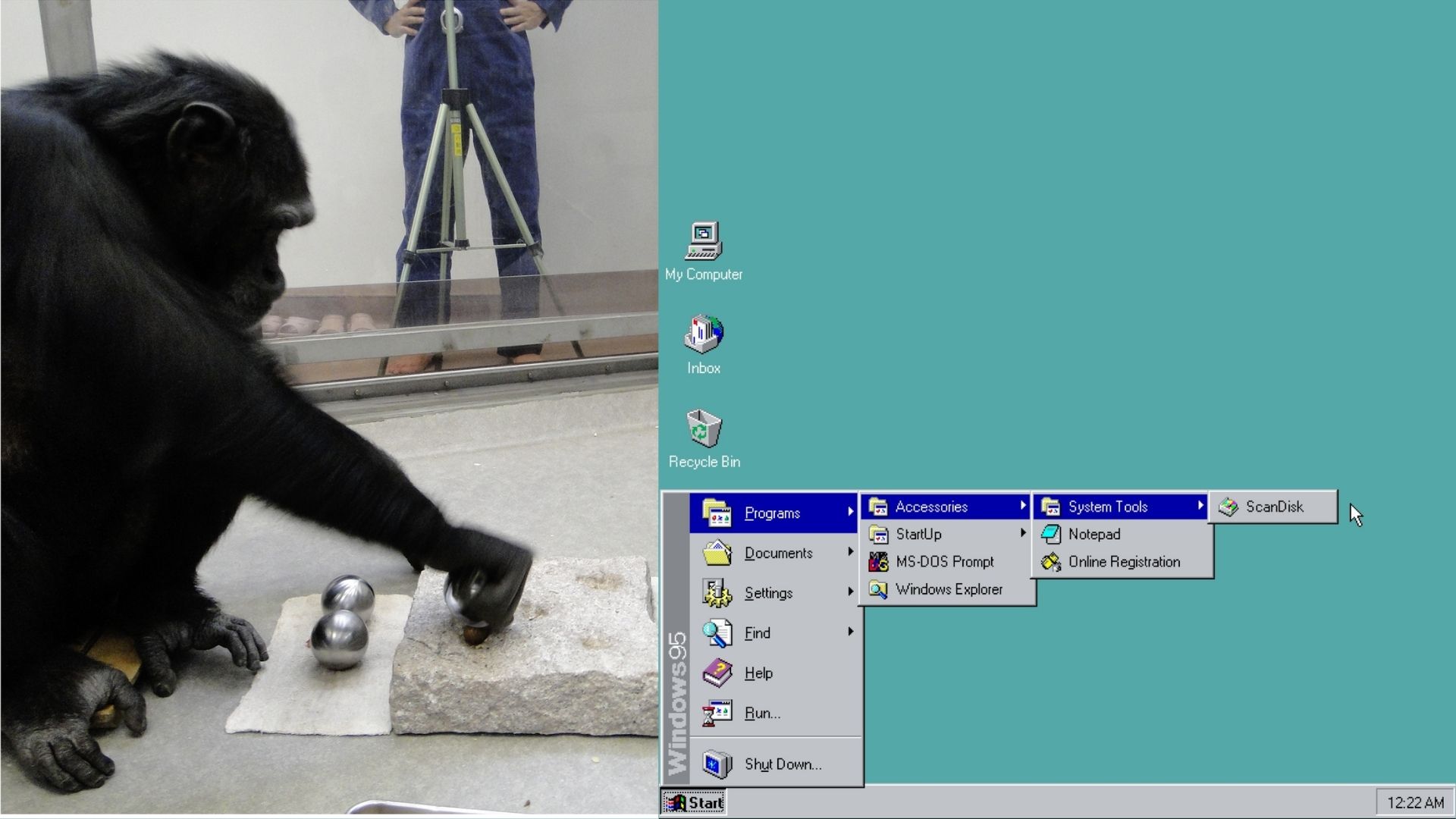
Former Microsoft exec explain how a behavioral psychologist utilized Fitts’s law to place the Windows 95 Start button in the bottom-left.
Former Microsoft exec explain how a behavioral psychologist utilized Fitts’s law to place the Windows 95 Start button in the bottom-left.
https://en.wikipedia.org/wiki/Fitts's_law
Fitts’s law (also known as Fitts’ law) is a predictive model of human movement primarily used in human–computer interaction and ergonomics. The law predicts that the time required to rapidly move to a target area is a function of the ratio between the distance to the target and the width of the target.[1] Fitts’s law is used to model the act of pointing, either by physically touching an object with a hand or finger, or virtually, by pointing to an object on a computer monitor using a pointing device.
Corners have an infinite area and are the quickest to hit.
I remember trying to explain fitts law at an old job I worked at when trying to push back against their horrible interface.
Also mouse tunnels are an embarrassment, but they made so many of them. (That’s where you mouse over something to reveal a new menu, but if you mouse out of the menus they close. If the second menu is on side and longed than the first, going from the top of the first menu to the bottom of the second will probably mouse out, and close it. Rookie mistake. Management wouldn’t listen.)
Oh God, mouse tunnels. Well, at least now I have name for that horrible flashback.
Now, Win11 (by default) puts the start menu in a variable location, so it’s both slower to interact with (more precision required) and prone to errors (misclicks).
I know from a technical standpoint, W95 was really, really shaky. But for me it was my first OS, and I think it still did a ton of stuff right.
Tada.wav
Unless you’re running multiple displays. Which I know wasn’t a thing in Win95 times, so moving to the left corner with the mouse was a guaranteed contact. I wonder if later 10/11 changed their default to the center for related reasoning, more people using centered taskbar icons in many OSes, including WIndows, and not needing help to find icons.
As far as I can tell, the rationale for most design changes in Windows is that someone is getting paid to make design changes in Windows.
My guess is they wanted to be hip like apple’s osX’s center dock.
Yuuuup. Monkey see, monkey do
Not that it is the focus of your point, but with some specific display drivers, you could use more than one display in Win95. Technically it was possible in DOS as well with some wacky setups. It became officially supported in Win 98, I used the hell out of it back then.