

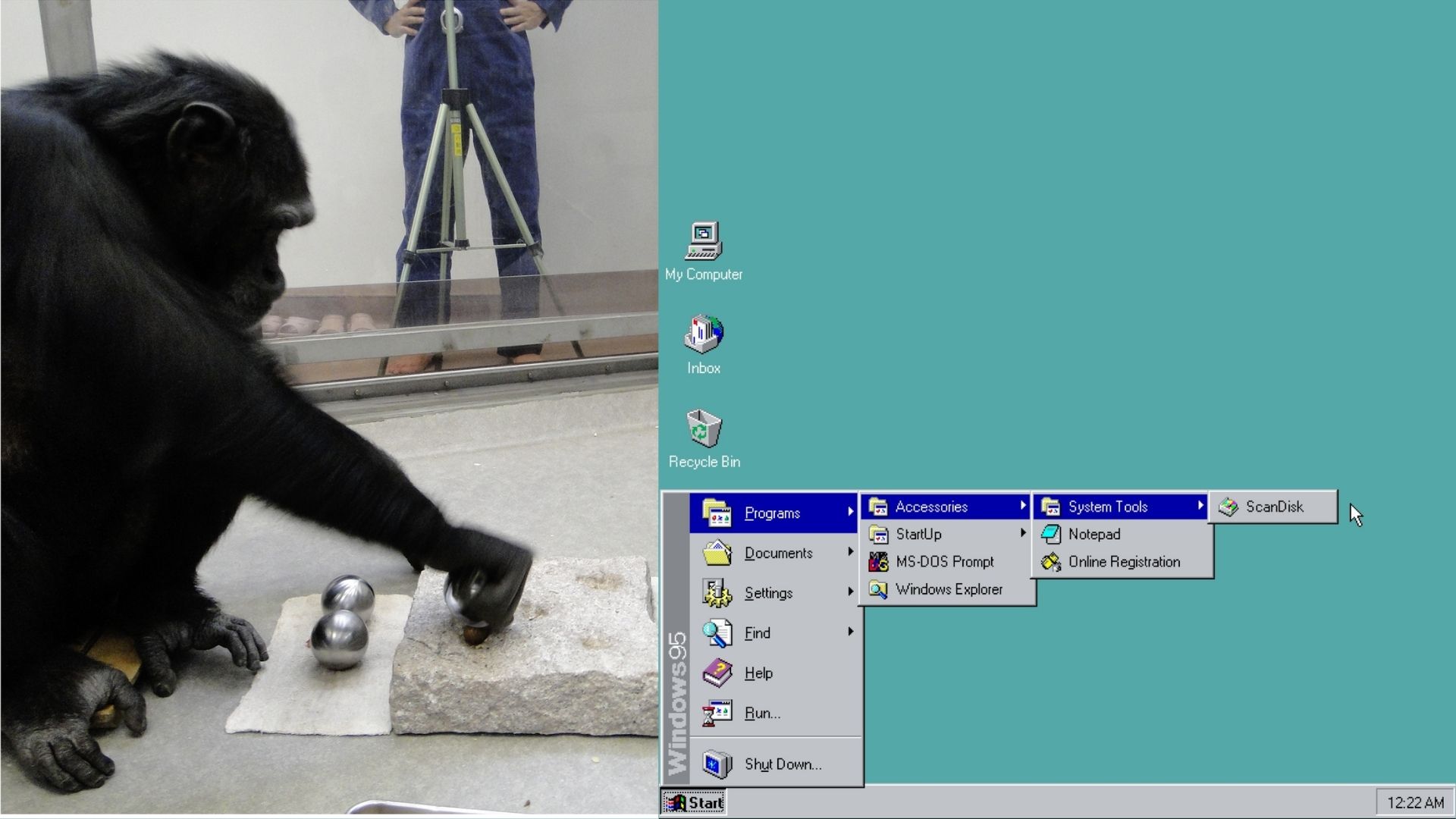
Former Microsoft exec explain how a behavioral psychologist utilized Fitts’s law to place the Windows 95 Start button in the bottom-left.
Firefox had a time where tabs had a small insensitive margin above them. (Maybe only on my DE, IDK) Made me go mad.
They corrected it in Windows 98, though, and extended the invisible, active target zone of the Start button to the outer 1-pixel boundary of the screen.
Is this actually true? I seem to remember once trying it on Windows 2000 and there it didn’t extend all the way to the edge.
Although corners have infinite access, I doubt anyone is using mouse anymore to open start menu
Current fastest pipeline is Press Win button - start typing what you need
And it is convenient for eyes when menu is in the center.
Have you never worked in an office?
At least 95% of users use their cursor to open start.
The majority rarely use their keyboard for anything other than typing sentences.
As an IT professional I’ve noticed that the search bar has subsumed almost all interaction with the Start menu. Most people I work with don’t even know what it is anymore.
And that’s before the concept of typing something while Start is open to search, which is unintuitive for a lot of “monkey see/monkey do” users.
I’m currently back to Win+R and either whatever I want to start or CMD, because I have to work with a bunch of Windows PCs for my job and about 30% or so will randomly decide to crash the Explorer or at least the searchbar.
On a tangent; just yesterday I had to out-bug two bugs with another two bugs, to get a notebook to almost do what I want. It’s great.
https://en.wikipedia.org/wiki/Fitts's_law
Fitts’s law (also known as Fitts’ law) is a predictive model of human movement primarily used in human–computer interaction and ergonomics. The law predicts that the time required to rapidly move to a target area is a function of the ratio between the distance to the target and the width of the target.[1] Fitts’s law is used to model the act of pointing, either by physically touching an object with a hand or finger, or virtually, by pointing to an object on a computer monitor using a pointing device.
Corners have an infinite area and are the quickest to hit.
Now, Win11 (by default) puts the start menu in a variable location, so it’s both slower to interact with (more precision required) and prone to errors (misclicks).
I know from a technical standpoint, W95 was really, really shaky. But for me it was my first OS, and I think it still did a ton of stuff right.
Tada.wav
I remember trying to explain fitts law at an old job I worked at when trying to push back against their horrible interface.
Also mouse tunnels are an embarrassment, but they made so many of them. (That’s where you mouse over something to reveal a new menu, but if you mouse out of the menus they close. If the second menu is on side and longed than the first, going from the top of the first menu to the bottom of the second will probably mouse out, and close it. Rookie mistake. Management wouldn’t listen.)
Oh God, mouse tunnels. Well, at least now I have name for that horrible flashback.
Unless you’re running multiple displays. Which I know wasn’t a thing in Win95 times, so moving to the left corner with the mouse was a guaranteed contact. I wonder if later 10/11 changed their default to the center for related reasoning, more people using centered taskbar icons in many OSes, including WIndows, and not needing help to find icons.
Not that it is the focus of your point, but with some specific display drivers, you could use more than one display in Win95. Technically it was possible in DOS as well with some wacky setups. It became officially supported in Win 98, I used the hell out of it back then.
I wonder if later 10/11 changed their default to the center for related reasoning
As far as I can tell, the rationale for most design changes in Windows is that someone is getting paid to make design changes in Windows.
My guess is they wanted to be hip like apple’s osX’s center dock.
Yuuuup. Monkey see, monkey do
I basically never click the GUI start button any more, just press the Windows/Command key and type what I need
I love that any time someone talks about how to make a UI faster or better it reverts to the keyboard. Eventually we end up back on the terminal to launch programs, including GUI ones.
This smells apocryphal to me. Very apocryphal.
Like you don’t need a behavioral psychologist to explain why people are going to prefer putting menunthingies out of the way.
Even back before a mouse, graphical applications (like q-basic) would place their menuthingies at the top, in a header. They had already established a pattern we still largely follow today- the most general menu category goes to the right, the most specific to the left.-
File is stuff relating to the document- opening, closing, savoring; document wide settings, etc, where help is… uh… extremely specific and almost never used.
So you already have this pattern in UC design; applications are already following it because it makes sense. So now, your devs need to place another menu bar somewhere, and they place it at the bottom, so it’d out of the way of everything else, and they follow the pattern.
oh. and NeXTSTEP’s came out in '88…
I wouldn’t be so sure. Fitts’s law is well-known and could easily have been in the right state for this story to be true at the time. I remember learning specifically about how it applies to the corners of ths screen in a Human-Computer Interaction class once.
oh. and NeXTSTEP’s came out in '88…
And the apple menu was already in the top left before windows 95.
I remember working with a friend and his dad to build a large shed. Because my geometry, trig, and calculus teachers were always drilling into me how eminently PRACTICAL these maths were, I thought all my training would come in handy, but every time I sat down to do a calculation, my friend and his dad would just arrange a few boards a certain way, mark one of them, and be on their way, their problem solved perfectly within their required tolerance.
Abstract thinking is often more trouble than its worth.
Aligning boards like that is kind of a form of abstract thinking. Less than using math though of course.
Agree with everything, except one thing: qbasic had a text-based user interface, and also you could use a mouse within it if you had a dos mouse driver.
The qbasic version we had was graphical in the sense of not being in dos like how nano works in the terminal today, but was not graphical in the sense of a mouse clicking things.
Granted I was like eight? So I could be miss remembering. Pretty sure the only interest I had was the gorilla game where you were chucking exploding bananas at each other.
The interface was fancier than nano’s, but still text. It didn’t draw pixels but only text characters, so it falls under text-based user interface (TUI). And also you could use a mouse to go clicking things, if you had a DOS mouse driver. The ‘pointer’, being it a TUI, was just the same character with inverted colours.
If you feel nostalgic there exists qb64. It’s almost identical to the original qbasic, with some added modern things, available for win, Mac, and Linux and compiled (transpiled) instead of interpreted, and it can run gorillas.bas!
I have to use Mac’s for work now and I will never understand how in 2026, they still insist on having both a dock and a system menu bar.
Like guys, it’s 2026, you can do all the OS stuff in one space, and leave the rest of the screen open for application stuff.
The dock is basically just an application launcher/switcher and can be hidden. Personally, I much prefer the MacOS way of doing most things to either Windows or Linux. But, to each their own.
Have they fixed the full screen blocking important buttons already?
Or are users still using floating screens everywhere because that is the only way to use them effectively?
Nope, they have not. It’s honestly a terrible OS.
I hide all that stuff and just use keyboard shortcuts. (I also use a MacBook for work like you)
Dave plummer is kind of a phoney
it turned out that subject was a propulsion engineer at Boeing.
That explains it.
Oh, and unless my left hand is broken, I can use the keyboard for things in most major OSs much easier and faster than dragging the mouse alllll the way to the bottom left to hopefully find the correct part to click on.